TikTok Link in Bio Not Showing: Why and How to Fix It
 Marcel Cruz
A TikTok link in bio not showing has two versions. If you can't see a link on someone else's profile, that account most likely has no website field: TikTok only gives one to accounts with at least 1,000 followers or a Verified Business Account. If the field is missing from your own profile, the same rule is gating it.
Both cases, the checks that settle them and the fix for each are below. TikTok's rule was re-read on its help centre on 22 October 2026.
Why can't you see links in other people's TikTok bios?
Most of the time, because there is no link to see. TikTok's help article "Adding a website link to your profile" states the rule in one sentence: "You can add a link to a website on your TikTok profile if you have at least 1,000 followers, or if you have a Verified Business Account." An account outside both groups has no website field, so its profile shows bio text and nothing clickable under it, however often its videos say "link in bio".
TikTok documents nothing about a visitor failing to see a link that does exist. Its only line about viewing one is that tapping a link on someone's profile opens TikTok's in-app browser. So when you can't see links in TikTok bios, run these checks in order:
- Check the follower count. Under 1,000 followers, unless the account is a Verified Business Account, there is no link. The caption is promising something the profile cannot hold.
- Open the profile itself, not the video. The website link sits on the profile page, under the bio text. The video page, the comments and the share sheet never show it. Tap the username or the avatar, then look directly under the bio.
- Look for a link that was never added. Bio text is free-form, so "link in bio" typed into a bio or a caption creates nothing. Only the Links field in Edit profile does, and only eligible accounts have that field.
- Update the app and try the web profile. TikTok doesn't say whether the app version matters. Updating, then opening the profile on tiktok.com in a browser, rules it out either way.
- A link that opens into a warning screen is working. TikTok's in-app browser limits "external link chains" and may prompt you to open the page in your device's browser. That is a speed bump, not a missing link; each screen is explained in our guide to Linktree's "link unavailable" warnings on TikTok.
Still can't see a link the creator says is there? Ask them to confirm that Edit profile shows a URL next to Links. If it doesn't, their account lost the field, which is the next section.
Why is the link option missing from your TikTok bio?
Work through these in order.
You're not eligible yet
The most common answer, and the least satisfying one. Open Profile → Edit profile and look for a Links section. No Links section on a General TikTok Account under 1,000 followers is expected behaviour, not a fault, and no amount of reinstalling the app will summon it.
Your business verification lapsed
This catches people who genuinely had the field before. TikTok's account-types article says it may ask you to verify your business to keep certain features, and "if you don't verify your business, your account may automatically be converted into a General TikTok Account." A converted account under 1,000 followers loses the website link with the rest of the business tooling. Check your account type before assuming a bug.
The app is failing to render the field
Symptoms: the field disappearing after it worked, the Add button under Links not responding, edits saving on one device but not another. The boring fixes are the right ones, in this order: update the app, force-close and reopen it, log out and back in, then retry Edit profile → Links → Add. If it appears on one phone and not another, the app is the problem.
You're looking at linked accounts, not the website field
A linked social account has never been the same thing as your website link, and in 2026 the distinction got sharper: TikTok removed the links that opened other social apps. Only the website field under Links is the clickable link people mean.
Still missing after all of that? Screenshot Edit profile and your account type, note your follower count, name the rule you qualify under, and file it through TikTok support. That is a bug report. "It doesn't work" is not.
The rule in one line
A General TikTok Account gets the website field at 1,000 followers; a Verified Business Account gets it with no follower minimum; nothing else unlocks it (TikTok help centre, read 22 October 2026). Who qualifies, how business verification works and the step-by-step for adding the link are in TikTok bio link requirements.
What changed about TikTok profile links in 2026?
Two changes matter, and most guides still on page one haven't caught either.
Links that open other social apps are gone. TikTok's current wording: "TikTok no longer supports links that open or log you into other social media apps. You can still add links to your profile that direct people to those platforms' websites." Connecting Instagram or YouTube to your profile is dead advice; Lemon8 remains addable "where available".
The in-app browser now polices redirect chains. TikTok says it uses "safety measures that limit how people can browse external link chains within the TikTok in-app browser", applied "across all accounts", and recommends that creators add direct links "so people can access the intended site in just a few steps". A link bouncing through a shortener, an affiliate redirect and then a landing page is exactly the pattern that trips the prompt. Point the website field straight at your own page and let that page do the branching.
Adding a bio link does not suppress your reach, despite the persistent rumour. TikTok's published For You ranking factors don't include the profile; what actually affects TikTok views covers them.
What should your TikTok bio link point to?
One destination, not five competing ones. TikTok traffic arrives impatient and inside an in-app browser, so the page has to load fast and answer the next-step question above the fold.
- One primary action. Six buttons of equal weight on one screen is a stall, not a menu.
- No raw link rotation. Swapping the URL every promo works until an old video takes off and sends thousands of people to a dead offer. A stable page whose contents change underneath solves that.
- Keep the chain short. Per TikTok's own guidance above, direct beats clever.
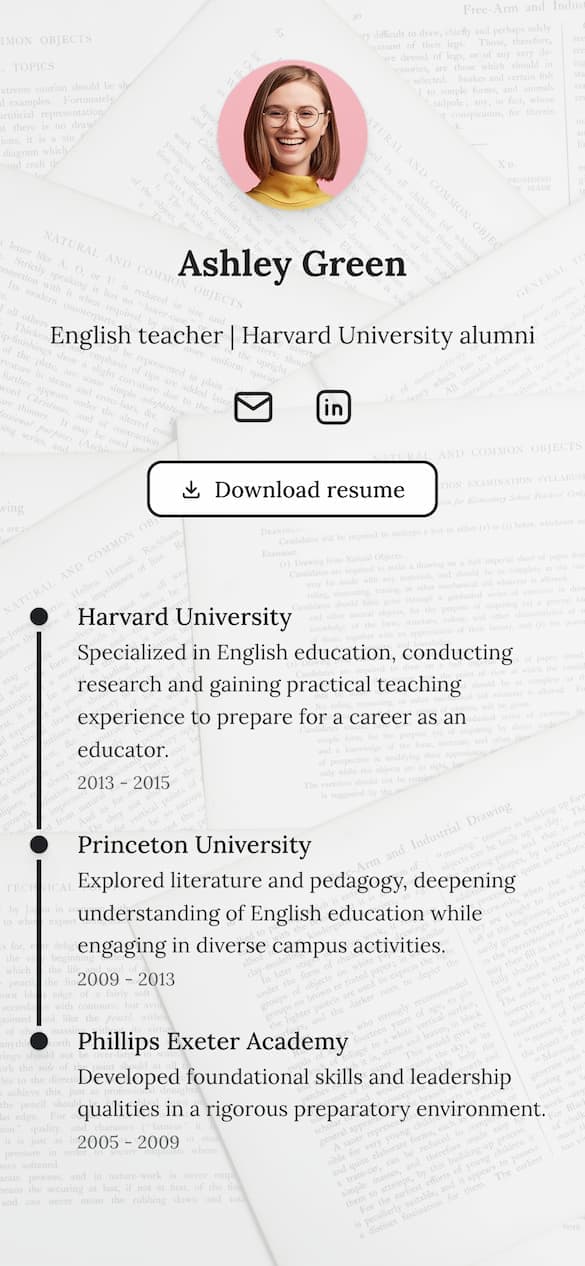
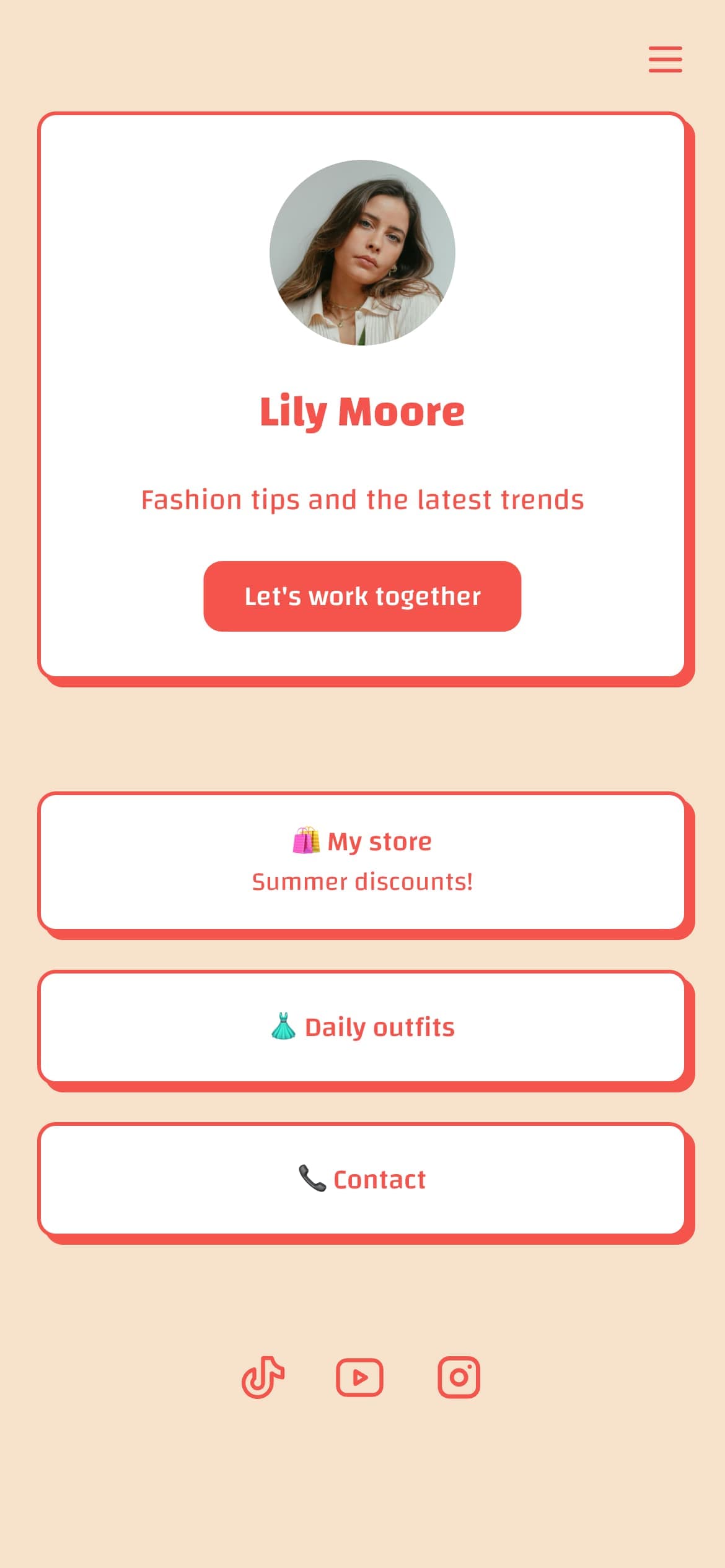
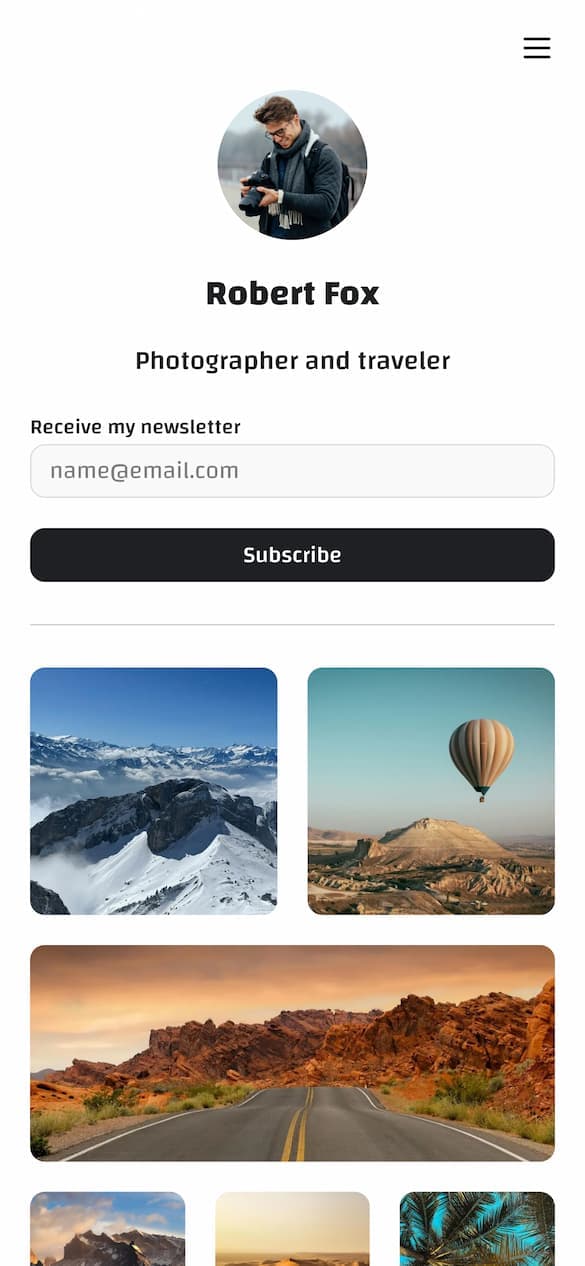
Building that page from scratch? Our guide to creating a link in bio page covers setup, and the free link-in-bio checklist lists 20 things to fix before you paste the URL into TikTok. For tool choice, see the best link in bio for TikTok; if you're selling, read TikTok Shop versus a link in bio first.
Create Your Link-in-Bio Page
All your content in one customizable page. 18 content blocks, custom domains, and built-in analytics.
Create your pageFAQ
Why is my TikTok bio not showing?
Bio text and the website link are separate things. If the whole bio is blank, the edit didn't save: open Profile → Edit profile → Bio, enter it again, save, then force-close the app. If only the link is missing, the 1,000-follower rule or a lapsed business verification is the usual cause.
When can you add a link to your TikTok bio?
The day your General TikTok Account reaches 1,000 followers, or as soon as your account is a Verified Business Account. There is no application and no paid unlock. The requirements guide linked above has the exact steps for both paths.
Why can't I add a link to my TikTok bio?
Almost always because you're under 1,000 followers on a General TikTok Account and don't have a Verified Business Account. Less often, your business verification lapsed and TikTok converted the account, or the app is failing to render the Links section.
Why did my TikTok bio link disappear?
The two likely causes are an account-type change, including a business account converted back for lack of verification, and profile settings failing to load after an app update. Check your account type first, then update and restart the app.
Fix the right problem first
Check eligibility, then account type, then the app. That order saves the most time, because the overwhelming majority of "link in bio not showing" cases, yours or someone else's, are the 1,000-follower rule doing exactly what it says.
Once the field is live, the work moves to the destination: one page you control, pointed at directly. If you want a page you can edit without touching your profile again, see Linkero pricing.
Create Your Link-in-Bio Page
All your content in one customizable page. 18 content blocks, custom domains, and built-in analytics.
Create your page