Bio.Sites Agency Playbook Reviewed vs Linkero (2026)
 Marcel Cruz
On June 26, 2026, Bio.Sites (Squarespace's free bio-link product) published "The Agency Playbook: Managing Multiple Client Links in Bio with Bio Sites." It's their first agency-positioning piece since Bio.Sites started publishing weekly in May. The framing: "one account, up to 10 Bio Sites, and a repeatable playbook." That's a real product, and for solo agencies and freelancers, it's a genuinely good free option. It also tells you where Bio.Sites stops being enough. This piece reviews the agency playbook honestly, breaks down what the 10-page dashboard cap really means, and compares it with how Linkero handles client pages: Linkero Pro includes up to 5 pages on one account, each on the client's own domain if you want, and more pages are available on request. Both tools work. The question is for whom.
For full background on Bio.Sites as a standalone product, see our Bio.Sites vs Linkero head-to-head. This piece is the agency-specific cut.
What the Bio.Sites Agency Playbook Actually Says
The Squarespace post is structured as a workflow guide for agencies that already manage multiple client accounts. A few quotes from the source, in the order they hit a reader.
The headline framing:
"one account, up to 10 Bio Sites, and a repeatable playbook"
The campaign-specific workflow, aimed at agencies running influencer or brand partnerships:
"For influencer and brand partnerships, create campaign-specific Bio Sites. For example: 'ClientName x Brand - Fall Launch'"
The playbook walks agencies through populating those campaign pages with brand offers, creator testimonials, bonuses, and mailing list forms, then "archive or adapt it into a case study" after the campaign ends. It's a respectable workflow, and not one you'll find spelled out on the Linktree or Beacons blog.
The most interesting paragraph, and the one most relevant to agency revenue, is the scope-creep section:
"Don't treat link in bio work as free scope creep. Package it as: A 'Conversion-Optimized Bio Site Build' project; A monthly optimization add-on; A launch add-on whenever clients drop new products"
Bio.Sites is telling agencies to stop giving away bio-link work as a freebie inside larger retainers, and to bill it as its own line item. That advice is correct, and it lands the same way on Linkero. Whatever tool you use, link-in-bio management is billable.
The dashboard cap is the load-bearing constraint. Ten Bio Sites from one account. After that, the playbook ends.
What Bio.Sites Does Well for Agencies
Set aside the comparison for a minute. Bio.Sites is genuinely useful for a specific segment.
- The free price point is real. No upgrade gate, no feature paywall, no surprise tier. For a freelancer or small agency with two to five client bio pages, free is hard to beat.
- Ten pages out of the box. That is more pages per account than Linkero Pro includes by default (5), at no cost.
- Squarespace ecosystem distribution. If your clients are already on Squarespace, you already have the credential, the brand, and a familiar editor. Bio.Sites slots in.
- Editorial credibility. The Bio.Sites blog has shipped weekly since May, with structured, agency-aware pieces. Linktree's own blog has been quiet through the same window. Bio.Sites is showing up.
- It's a defensible recommendation for one-to-ten-client agencies. This is the segment Bio.Sites is genuinely the right answer for, and it covers a lot of small studios and solo SMM consultants.
This piece is not a Bio.Sites takedown. It's a question about where Bio.Sites stops being enough.
Where Bio.Sites Stops Being Enough
The limits show up in branding, domains, and growth, more than in day one setup.
The 10-page cap and what happens at client #11
Ten Bio Sites from one dashboard. Beyond that, you have options. None of them are great. Open a second Bio.Sites account and juggle two logins. Stop accepting new bio-link work. Migrate clients off Bio.Sites to a tool that scales. The playbook itself doesn't address client #11, which is honest.
For agencies who grow client rosters quarterly, the 10-page ceiling lands in twelve to eighteen months. Either you stop scaling that line of business, or you change tools. Linkero handles the same moment differently: Pro includes 5 pages, and when you need more, you ask us and the extra pages go on the same account. There is no fixed wall to plan around.
White-label is not in the box
Bio.Sites pages are Squarespace-branded. Your clients see "Bio Sites by Squarespace." For an agency that bills bio-link management as a service, that's fine when the client is in on the joke, and awkward when the client expected your brand on their deliverable.
White-label, in the strict sense (your dashboard under your domain, your logo, the vendor nowhere visible), is not a Bio.Sites feature. Linkero doesn't offer white-label either: there is no branded agency dashboard and no reseller program. What Linkero does cover is the part clients actually see. The Linkero badge is hidden, and each client page can run on the client's own domain. The broader case for treating bio-link management as a billable agency service is in our link-in-bio for agencies guide.
Custom domain handling per client
Bio.Sites supports a custom URL on the page, but the pattern is Squarespace-ecosystem-first. For agencies running several client domains across different registrars, the operational story gets fragmented fast. On Linkero Pro, every page can connect one custom domain of its own, so five client pages in one account can run on five different client domains, each pointed with a DNS record.
Squarespace lock-in for non-Squarespace agencies
If your agency operates outside the Squarespace stack (most do), Bio.Sites is a side product you maintain separately. That's not disqualifying. It is friction.
No tiered growth path inside the product
Bio.Sites has one tier: free. There's no Bio.Sites Agency, no Bio.Sites Pro, no Bio.Sites with Team Seats. For Squarespace, this is a deliberate funnel: Bio.Sites pulls creators into the broader Squarespace ecosystem, and the upgrade is to other Squarespace products. For agencies, it means the moment you outgrow the free tier, your "upgrade" is to leave.
Multi-client analytics aggregation
The playbook doesn't pitch a rolled-up dashboard across your ten clients. Each Bio.Sites page has its own analytics. Linkero doesn't roll clients into one report either: analytics are per page, inside the same login. Where it helps is the hookup: each page can carry the client's own Google Analytics, Meta Pixel, and TikTok Pixel, so the numbers land in the reporting stack you already use.
How Linkero Handles Multiple Client Pages
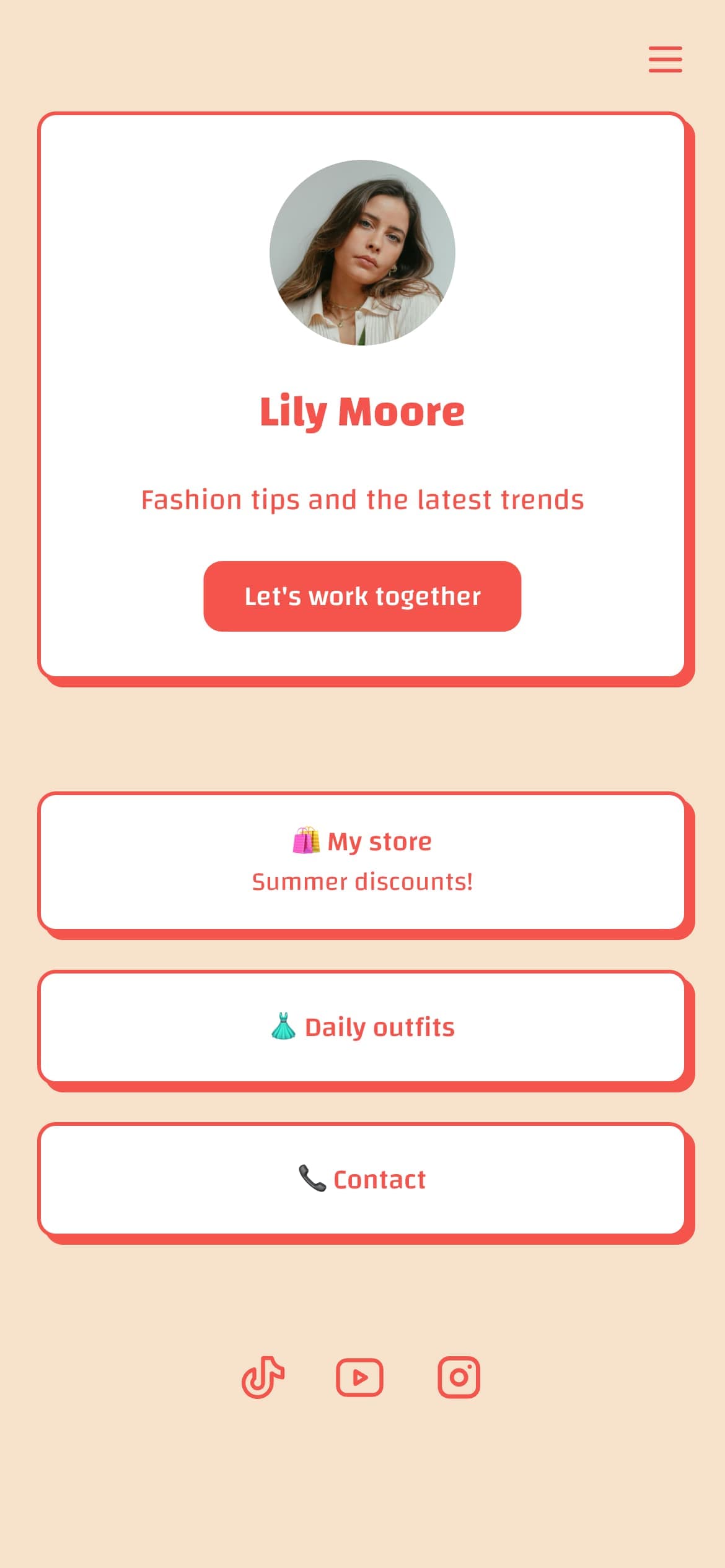
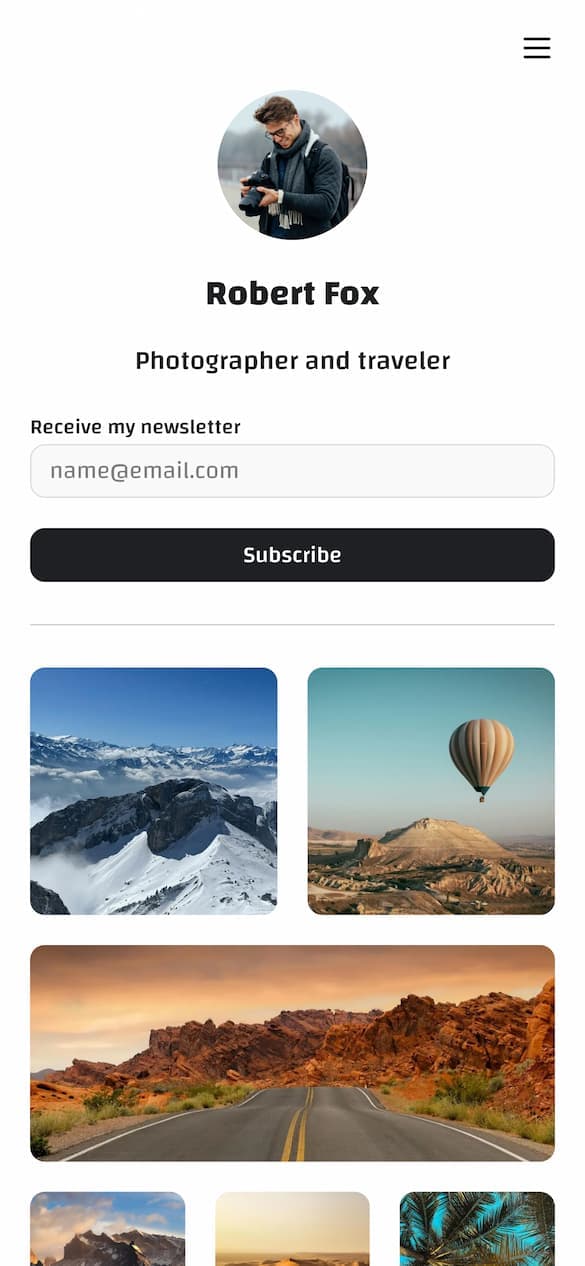
Linkero isn't an agency platform with seats and workspaces. It's a page builder where one Pro account holds several separate pages, which covers what most small agencies actually do with a bio-link tool.
- Up to 5 pages on Pro, more on request. Each page has its own address at linke.ro/name. Need more than five? Reach out and ask for more pages on the same account.
- One account, one login. Every client page sits in the same dashboard, so there's no credential juggling across client accounts.
- Custom domain per page. Each client page can connect one custom domain, so it runs on the client's own address.
- Linkero branding hidden. Client pages ship without the Linkero badge.
- Duplicate pages as templates. Build one client page that works, duplicate it, swap the branding.
- Built-in analytics per page, with Google Analytics, Facebook Pixel, and TikTok Pixel hookable per page. Your reporting stack works.
- A block-based page builder. Forms, testimonials, carousels, maps, embeds and more, so client pages look designed rather than templated.
- EU operator. Linkero is operated from inside the EU. Relevant if you have EU clients with a GDPR posture, or if you read our take on the Schrems III posture.
What it does not have: team seats, client roles, folders, or white-label reselling. If your agency needs each account manager on their own login, or clients logging in to a portal under your brand, look at the multi-client tools in our guide to managing multiple clients. Linkero pricing is on the pricing page.
Side-by-Side
| Feature | Bio.Sites | Linkero Pro |
|---|---|---|
| Price | Free | See /pricing |
| Pages per account | 10 | 5 included, more on request |
| Custom domain per client | Limited to Squarespace flow | Yes, one per page |
| Branding removal on client pages | ❌ | ✅ |
| Branded agency dashboard | ❌ | ❌ |
| Team seats (invite members) | ❌ | ❌ |
| Aggregated multi-client analytics | ❌ | ❌ |
| GA + Facebook + TikTok pixels per page | Limited | ✅ |
| AI training on user content | Check Squarespace TOS | No |
| EU operator | ❌ | ✅ |
See How Linkero Compares
18 content blocks, per-block styling, custom domains, and built-in analytics on every plan.
Create your pageWhen Bio.Sites Is the Right Answer
Use Bio.Sites if your agency looks like this:
- One to ten client bio pages, no plan to scale past ten in the next year.
- Already operating in the Squarespace ecosystem, with clients on Squarespace sites.
- No need for white-label. Your clients are fine with "Bio Sites by Squarespace" branding, or you've explained it.
- No need for client pages on the client's own domain.
- Free is the binding constraint. Budget for tooling is zero, and that's a hard line.
- Platform lock-in to Squarespace is acceptable. You're not planning to re-evaluate every twelve months.
That's a real agency. Bio.Sites is fine for that agency.
When Linkero Is the Right Answer
Use Linkero if your agency looks like this:
- You run a handful of client bio pages from one account today, and want room to grow: 5 pages on Pro, more on request.
- Client deliverables ship without a third party's logo on them: branding removal on client pages, and each page on the client's own domain.
- One person, or a small core team, owns the bio-page work, so one login is enough.
- You bill clients for bio-link management as a recurring service. Tooling is a margin question.
- Your roster spans multiple ecosystems. Squarespace lock-in would create friction.
- You want to be insulated from upstream platform pivots. (See our Linktree 2026 playbook decoded for what those pivots look like.)
- You have EU clients with a GDPR posture, and the operator's jurisdiction matters.
If three or more of those bullets describe your agency, Linkero is the better fit, even before you reach Bio.Sites' 10-page cap. If you need team seats or client logins, neither tool is the answer.
For agencies on Linktree right now, the bigger forcing function is Linktree's July 5 TOS rollout. The step-by-step plan for moving a client roster ahead of that date is in our agency Linktree migration playbook.
FAQ
Is Bio.Sites really free for agencies?
Yes. There's no Bio.Sites Agency tier, no per-seat upgrade, no premium feature gate. The trade-off is the 10-page ceiling and the lack of white-label.
Can I white-label Bio.Sites for clients?
Not in the strict sense. Pages stay Squarespace-branded. If white-label is a hard requirement, Bio.Sites isn't a fit. Linkero doesn't offer white-label either, but it hides its own branding and lets each client page run on the client's domain.
How many bio pages can I manage on Linkero?
Linkero Pro includes up to 5 pages on one account, each with its own linke.ro address and the option of its own custom domain. More pages are available on request: reach out and ask for them on the same account.
Bio.Sites vs Linktree for agencies?
Different question, different answer. Linktree has higher per-seat pricing on its Enterprise tier and is in the middle of a TOS pivot effective July 5, 2026. Bio.Sites is free with a 10-page cap. Neither is white-label-native at the agency tier. See Bio.Sites vs Linkero for the full per-feature breakdown.
Should I move my clients off Linktree to Bio.Sites before July 5?
If you're moving anyway, evaluate based on roster size and branding needs, not deadline. Under ten clients who are fine with Squarespace branding, Bio.Sites can work. If clients need their own domains and no third-party logo, or you expect to grow past ten, look at Linkero. Either way, do the move before July 5 if your clients want to be off Linktree before the new TOS lands. The playbook is in link-in-bio for agencies.
What's the cheapest agency bio-link tool in 2026?
Bio.Sites is free, with the 10-page cap and the white-label gap. If those constraints work for your agency, it's the cheapest. If they don't, the cheapest tool isn't free, it's whichever tool fits your roster without forcing a second migration in twelve months.
The Read
Bio.Sites' agency playbook is a real document for real agencies, and the scope-creep advice is the best part of it. The 10-page cap is the load-bearing constraint, and the playbook is honest about it by simply ending there. Linkero takes a different shape: 5 pages on one Pro account, more pages when you ask, each client page on the client's own domain with no Linkero branding. It has no team seats or white-label, so it fits agencies where a small core team runs the pages. Choose based on where your agency is going, not where it is today.
See How Linkero Compares
18 content blocks, per-block styling, custom domains, and built-in analytics on every plan.
Create your page